
Have you ever thought your heart might be your best coach? Using heart rate zones helps you see exactly how hard you’re working during your workout. Your heart speeds up or slows down based on what you’re doing, and those numbers let you adjust your routine for more endurance, speed, or strength.
We’re going to walk you through each zone like you’re chatting with a friend at the gym. Imagine your heart giving a little nudge every beat, guiding you to push a bit more or slow down when needed. Get ready to learn how every beat can help you perform better and push your limits even further.
How Heart Rate Zones Drive Performance Tracking

Using heart rate zones in your workouts is like having a handy guide to understand how hard your heart is working. Your heart communicates with you by changing its pace during different activities. In Zone 1, which is about 50-60% of your maximum heart rate, you’re doing light work, think easy walking or simple stretches that help you recover after a workout.
In Zone 2, where you hit around 60-70% of your max, you start burning more fat and building up endurance. Picture taking a brisk, refreshing walk on a cool morning, steady and comfortable. Then, stepping into Zone 3 at 70-80% ramps up the effort. You might find yourself on a steady, challenging run that makes your heart work a bit harder.
Zone 4, at 80-90% of your maximum heart rate, brings in faster, more intense activity that sharpens your speed and boosts your metabolism. When you push right into Zone 5, at 90-100%, you’re giving it everything you’ve got. This is like a fierce sprint that tests your heart’s limits and builds power for short, explosive bursts.
Every heart rate zone has its own job, whether you're aiming to build endurance, improve speed, or add a burst of power to your routine. Tracking these zones means you’re not just guessing your workout’s intensity, you’re fine-tuning it based on real feedback from your body.
Did you know? Elite runners often spend a lot of time in Zone 2 because it builds a solid base that helps them blast through faster speeds in Zones 4 and 5.
Calculating Your Heart Rate Zones for Precision Performance Tracking
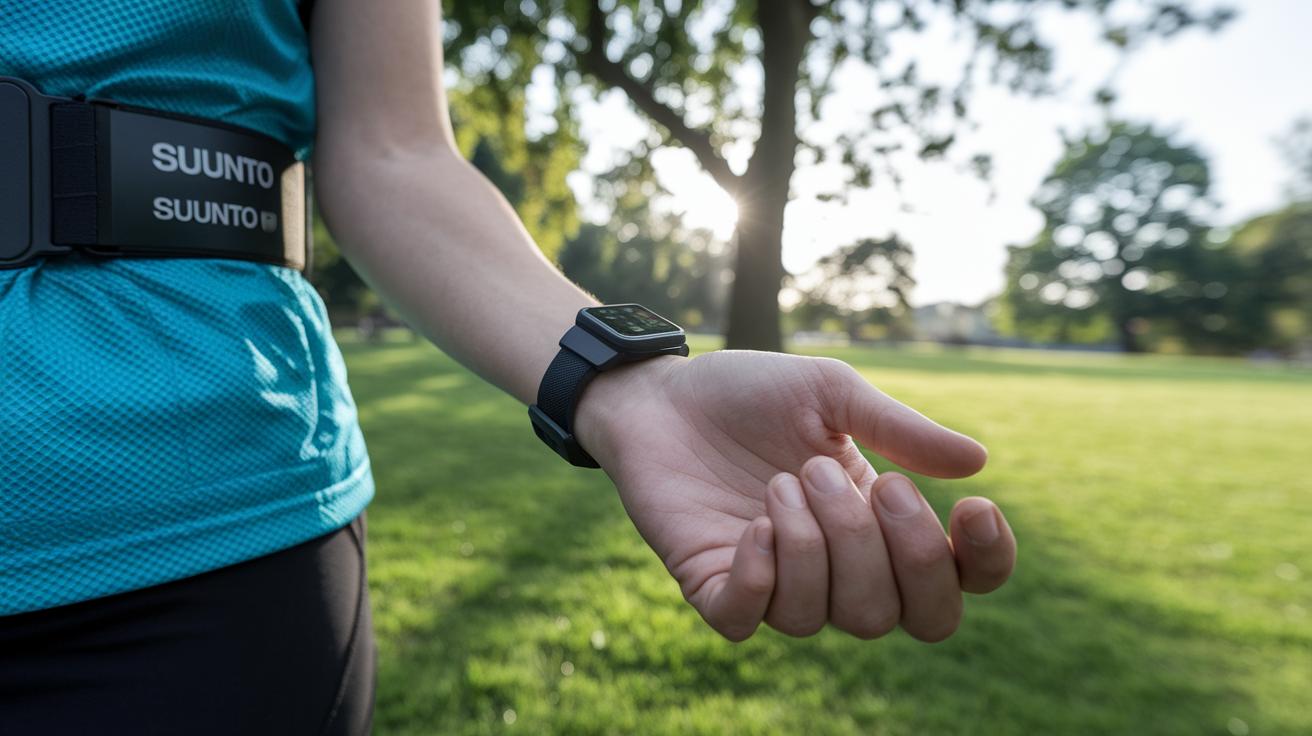
Let’s break it down step by step so you can find your personal heart rate zones. First, grab a reliable heart rate monitor, like a Suunto Smart Heart Rate Belt. This tool helps you check your heart rate when you're relaxing and when you're getting active, picture checking your pulse right after you wake up and then during a brisk walk.
After that, figure out your Maximum Heart Rate (MHR) by subtracting your age from 220. So if you're 30, your max is about 190 beats per minute. This number is your starting point for setting up your zones.
Next, use percentage ranges of your max to create your specific zones. Think of it like adjusting a dial to see how hard your heart is working. Zone 1, which is 50–60% of your max, is perfect for light activities like stretching or a gentle walk. Zone 2 (60–70%) helps you burn fat and build a basic aerobic base. Moving up, Zone 3 (70–80%) boosts your endurance, Zone 4 (80–90%) improves your speed and how well your body processes energy, and Zone 5 (90–100%) pushes you to your peak, working your anaerobic system.
| Zone | %MHR | BPM Range | Primary Benefit |
|---|---|---|---|
| 1 | 50–60% | 95–114 | Active Recovery |
| 2 | 60–70% | 114–133 | Fat Burn/Aerobic Base |
| 3 | 70–80% | 133–152 | Endurance Building |
| 4 | 80–90% | 152–171 | Speed/Metabolic Efficiency |
| 5 | 90–100% | 171–190 | Anaerobic Capacity |
By following these simple steps, you can easily set up zones to track every beat of your progress. Ever notice how a small change in your workout routine can boost your energy? Give it a try and feel the difference with every heartbeat.
Integrating Heart Rate Zones into Training Plans for Enhanced Tracking

Using heart rate zones in your workouts helps you squeeze the most out of each session. For instance, spending some time in Zone 2 boosts your endurance and helps burn fat, while Zone 3 sessions, like a steady tempo run, challenge you to keep up a good pace. And when you hit Zones 4 and 5 with interval training, you'll notice improvements in your speed and power. It’s a smart way to work out and see steady progress.
Try mixing up your week with different effort levels. For example:
- Two easy sessions focused on Zones 1–2 for recovery and basic aerobic work.
- One tempo session in Zone 3 to fine-tune your pace and boost endurance.
- One high-intensity interval session in Zones 4–5 to ramp up your speed and strength.
Lots of science-based studios use this approach to trigger different responses in your body. If you’re just starting out, try sticking with Zones 1 and 2 for the first 4–6 weeks to build a solid fitness base. Plus, wearable monitors and apps like those from fitness tech make logging your zones a breeze. They automatically track your heart rate zones, so you can easily see your progress and tweak your routine over time. Keep an eye on those heart rate changes and enjoy every bit of the gains along your journey.
Tracking and Analyzing Progress Within Heart Rate Zones

Understanding your heart rate zones gives you a clear picture of how hard you're working. With a real-time heart rate monitor, you get exact numbers during every workout so you can see just how long you spend in each zone. Imagine checking your stats on a brisk run and noticing your heart jump from a steady pace to a burst of high intensity, it’s a cool way to see your progress in action.
Using a dashboard on your computer or phone makes it easy to look over your zone data. You might even compare your results with those of more experienced athletes. Tracking your time in each zone week by week helps you spot improvements. Think about it: after a few weeks of focused training, your pace picked up and your resting heart rate dropped, proving every beat really does count.
Key signs of progress include a lower resting heart rate, more time spent in higher intensity zones, and staying steady at your target levels. Good tracking shows clear gains, letting you see just how your fitness is improving. Use progress tracking tools to watch your data over time and adjust your workouts. In short, even small tweaks based on solid trend data can drive strong, lasting gains in your fitness journey.
Avoiding Common Mistakes in Heart Rate Zone Performance Tracking

Sometimes we mess up our tracking by using devices that aren't properly set or by not checking our resting heart rate regularly. Faulty monitors might trick you into thinking you're in one zone when you're really in another. Overdoing tough workouts without enough recovery can lead to burnout, while skipping lighter sessions might slow your progress. Many of us even train too much in the high-intensity zones, which can limit long-term gains and raise the risk of injury.
Here are a few friendly tips to keep you on track:
- Compare your device's accuracy with a simple manual pulse check.
- Note your resting heart rate every morning to get a real sense of your fitness.
- Mix up your workouts across different zones to avoid overloading the high-intensity parts.
- Plan some active recovery in Zone 1 to let your body bounce back.
Before you jump into your workout, try checking your pulse, just like a runner checks their pace. A quick manual check can ensure your monitor is on point, setting you up for success. Small adjustments in your routine can lead to a stronger, steadier performance over time.
Final Words
In the action of improving fitness, we explored how heart rate zones guide workouts by targeting specific intensities for different goals. We broke down how to calculate your heart rate zones with clear steps and even provided an example for a 30-year-old. We also showed how to add these zones into your training plan and track progress with real-time monitors. Avoiding common errors can help you get the most out of your workouts. Remember, tracking heart rate zones for performance tracking makes your efforts measurable and keeps your workouts both effective and fun.
FAQ
How can heart rate zones be used for performance tracking examples?
Using heart rate zones for performance tracking means you monitor specific workout intensities. They guide you through recovery, endurance building, speed work, and power training so you can measure tangible progress in your workouts.
How do I calculate my heart rate zones using a calculator?
A heart rate zones calculator uses your estimated Maximum Heart Rate—usually 220 minus your age—and applies percentage ranges to define each zone. It offers a quick way to set your workout intensity targets.
How do heart rate zones vary by age?
Heart rate zones by age change because your Maximum Heart Rate decreases as you get older. Age-based adjustments help make sure your workout targets remain safe and effective.
How does a running heart rate zones calculator work?
A running heart rate zones calculator tailors your workout by calculating your target heart rates for running. It factors in your Maximum Heart Rate to set zones that help improve endurance and speed without overexertion.
What makes a heart rate zone calculator the most accurate?
The most accurate heart rate zone calculator uses your age, resting heart rate, and sometimes fitness level for tailored zones. Accurate measurements alongside quality monitors ensure you train within the right intensity.
How do Garmin devices determine heart rate zones?
Garmin heart rate zones automatically calculate your personalized zones based on sensor data and activity levels. This makes it easy to track workouts and adjust intensities as your fitness improves.
Is working in Zone 5 heart rate dangerous?
Zone 5 heart rate represents 90–100% of your Maximum Heart Rate and is highly intense. It is safe for healthy, experienced athletes, but beginners should approach this zone cautiously to avoid strain.
How does the Strava heart rate zones calculator help my training?
The Strava heart rate zones calculator divides your workout into specific intensity zones by analyzing your recorded heart rate data. This helps you understand your performance and tailor workouts for better progress.